

How to View Your Assets on Binance: A Complete Guide to Your Wallet & Portfolio

Navigating a large cryptocurrency exchange like Binance can seem daunting for new users. One of the most fundamental and common questions is, "Where can I view my assets on Binance?" Knowing exactly where your cryptocurrencies are, how much they are worth, and their status is crucial for effective trading and investing. This comprehensive guide will walk you through the various locations and methods to view your complete asset portfolio on Binance, whether you're using the website or the mobile app.
Your Main Hub: The Binance Wallet Overview
The primary and most straightforward place to view your assets is the Binance Wallet, officially known as the "Wallet Overview." This section acts as your financial dashboard, providing a consolidated view of your entire cryptocurrency portfolio. To access it, log into your Binance account on the web or app. On the website, look for the "Wallet" dropdown menu in the top navigation bar and select "Overview." In the mobile app, tap the "Wallet" icon typically located at the bottom of the screen. This overview page is your one-stop-shop for a high-level summary, displaying your total asset balance, the distribution of your funds, and the current estimated value in your local currency.
Breaking Down Your Assets: Spot, Funding, and Earn Wallets
Binance segregates your assets into different sub-wallets based on their function, which is a key concept to understand. When people ask how to check their balance on Binance, they often need to look in one of these specific areas. Your main "Spot" wallet holds the funds you are actively using to trade on the spot market. The "Funding" wallet (or "Funding Account") is where your unallocated funds reside, often used for transfers and as a source for other products. Your "Earn" wallet is not a single wallet but a section that shows your assets locked in various savings products, locked staking, or liquidity pools. Viewing each of these individually gives you a precise picture of where your capital is allocated.
Step-by-Step: How to Check Your Spot Wallet Balance
Your Spot Wallet is your trading engine, and checking it is a daily activity for most traders. On the Binance website, go to "Wallet" -> "Spot" to see a full list of all the cryptocurrencies you hold. You will see columns for the total balance, available balance (which you can immediately trade or withdraw), and the amount locked in open orders. In the Binance app, tap "Wallet" -> "Spot" to access the same information. This is the go-to place to see your available Bitcoin (BTC), Ethereum (ETH), or any altcoin holdings that are ready for action. It's essential to monitor this wallet to understand your liquidity and trading power.
Finding Your Fiat and Funding Wallet
For users who deposit traditional currency like USD, EUR, or GBP, the Fiat and Spot Wallet is where you'll find that balance. This section displays your fiat currency holdings alongside your crypto assets. The Funding Wallet, accessible via "Wallet" -> "Funding" on the web or in the app's "Funding" section under "Wallet," is crucial for managing deposits and withdrawals. When you deposit crypto from an external wallet, it typically arrives here first before you need to transfer it to your Spot Wallet for trading. Understanding the flow between your Funding and Spot Wallets is vital for efficient asset management.
Tracking Your Investments in the Binance Earn Section
A significant portion of your assets might not be in your Spot Wallet but are instead earning interest through Binance's suite of products. To get a complete picture of your net worth on the exchange, you must check the "Earn" section. Navigate to "Earn" -> "All Products" from the main menu. Here, you will see a comprehensive summary of your assets locked in Flexible Savings, Locked Staking, Liquid Swap, and other DeFi products. This ensures you don't mistakenly think your assets are missing; they are simply working for you in a different part of the platform, generating passive income on your cryptocurrency holdings.
Using the Binance Mobile App to Monitor Your Portfolio on the Go
The Binance mobile app offers a streamlined and powerful way to keep an eye on your assets from anywhere. The process is very similar to the web version. Tap the "Wallet" tab, and you will be presented with your total balance. You can then swipe or tap to navigate between the "Spot," "Funding," and "Earn" sections. The app also provides handy features like price alerts and quick asset conversion, making it an indispensable tool for active traders and long-term investors alike who need to manage their digital asset portfolio efficiently while on the move.
Why Can't I See My Recently Deposited Assets?
A common point of confusion for beginners is not finding a recent deposit in their Spot Wallet. The most frequent reason is that the deposit is still in the Funding Wallet or is undergoing the necessary blockchain confirmations. Always check your "Transaction History" and "Deposit History" to confirm the status of your transfer. If a deposit is complete but not visible in your Spot balance, you may need to manually transfer it from your Funding Wallet to your Spot Wallet to begin trading. This extra step is a security feature that gives users precise control over their funds.
Pro Tips for Advanced Asset Management on Binance
For users with a more complex portfolio, Binance offers advanced tools. The "Portfolio" feature provides detailed charts and analytics on your profit and loss, helping you track your investment performance over time. You can also download your transaction history for tax reporting purposes. Furthermore, enabling features like "Hide Small Assets" can declutter your wallet view, allowing you to focus on your significant holdings. For maximum security, always use two-factor authentication (2FA) to protect your account, ensuring that only you can view and manage your valuable assets.
In conclusion, viewing your assets on Binance is a multi-step process that involves checking several dedicated sections: the main Wallet Overview for a summary, the Spot Wallet for trading funds, the Funding Wallet for transfers, and the Earn section for investments. By familiarizing yourself with these different areas, you can confidently answer the question of "where are my assets?" and take full control of your cryptocurrency journey on one of the world's leading digital asset exchanges.
“How to View Your Assets on Binance: A Complete Guide to Your Wallet & Portfolio” 的相关文章
炒币10年,盈利3000w!总结了10条炒币心得,都是真金白银的实践
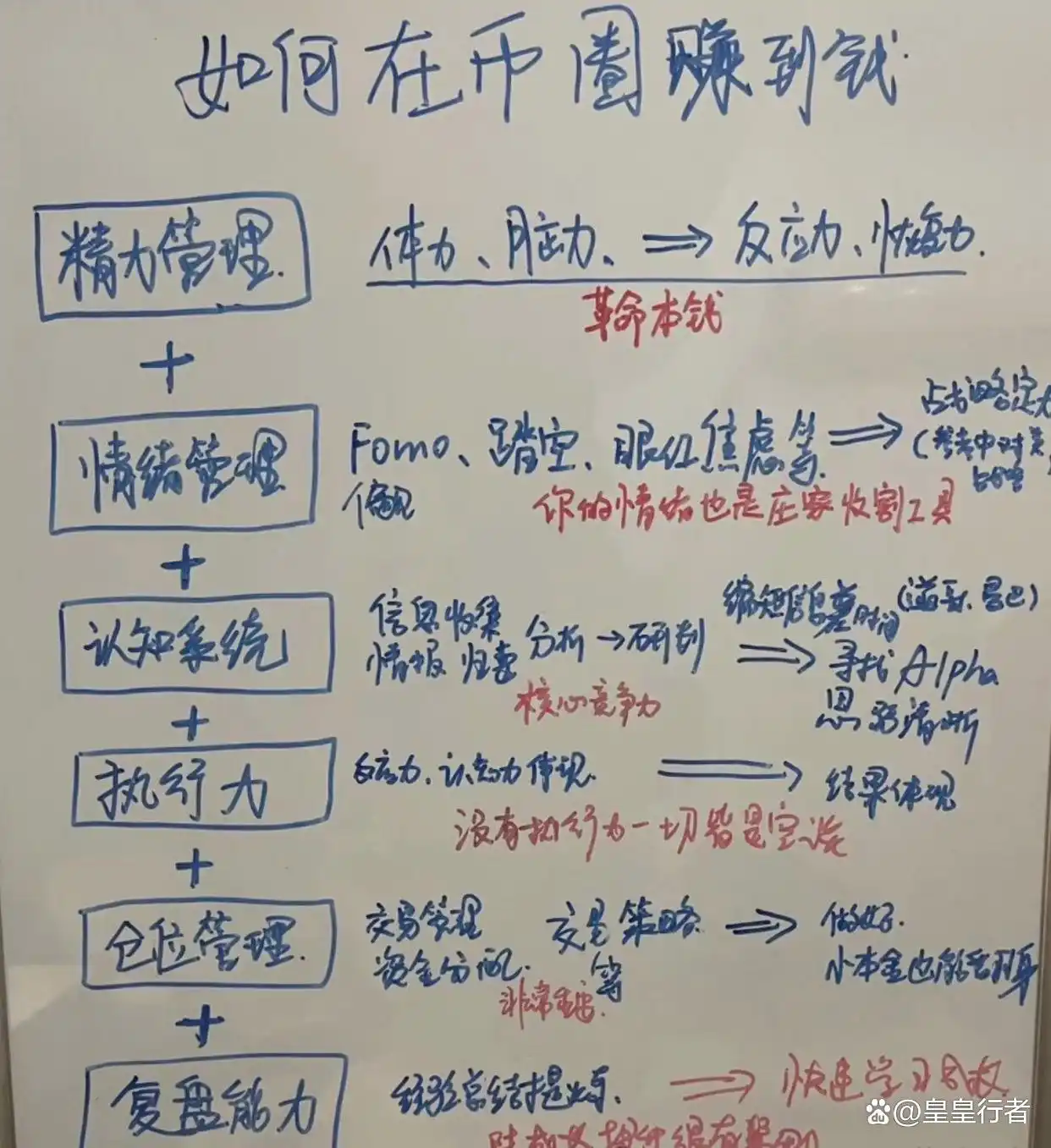
炒币如何赚到大钱?现在入市晚了吗?币圈不缺机会,但是命只有一条。不要看不起现货的波动,尤其是主流核心的标的。这个仓位得必须有。没有足够的交易经验之前只玩现货。现货稳定盈利是第一步,不要上来就玩高难度的合约。在你还没完全掌握趋势交易的时候,不要多空双吃,因为趋势是有惯性的。不会你看空,马上就掉头多转空...

巨鲸的告别;比特币灵魂深处的哲学辩论
巨鲸的告别:比特币灵魂深处的哲学辩论目录:· 序章:一笔惊世交易的涟漪· 巨鲸浮现:8万枚比特币的易主· “信仰动摇”论:斯科特·梅尔克的火花· 观点的交锋:何谓“背叛”?· 传统与新生:两种未来的拉扯· 中本聪的初衷:去中心化的乌托邦·&...

数字淘金热中的审慎;美国散户为何对加密货币仍心存芥蒂
数字淘金热中的审慎:美国散户为何对加密货币仍心存芥蒂标签: 加密货币 市场调查 投资者情绪 风险认知 人口统计目录:· 序言:喧嚣中的低语· 冰冷的数字:普及率与兴趣的落差· 风险之墙:挥之不去的阴影· 世代与收入的鸿沟:谁在拥抱加密?· 知识的迷雾...

东瀛智脑的“数字淘金”:一家日本AI公司与比特币的巨额盟约
东瀛智脑的“数字淘金”:一家日本AI公司与比特币的巨额盟约标签: 比特币 日本企业 加密货币 资产配置 法币贬值目录:· 序章:AI与比特币的奇妙联姻· 量子方案:一项大胆的财务决策· 缘起:法币贬值与全球不确定性· 策略:分阶段投资与香港跳板· 日...

数字移民的“窄门”;黄金签证收紧,加密富豪的全球迁徙之路何去何从?
数字移民的“窄门”:黄金签证收紧,加密富豪的全球迁徙之路何去何从?标签: 黄金签证 加密货币投资 居留权 税务规划 全球公民身份目录:· 序章:一张护照,万金难求的吸引力· 黄金签证:曾经的“通行证”· 欧盟的围堵:马耳他、塞浦路斯与保加利亚的落幕· 政府的考...

比特币下跌:原因分析、市场影响与投资策略
body { font-family: 'Arial', sans-serif; line-height: 1.6; color: #333; max-width: 1200px;...