

How to Download Binance DEX: A Complete Guide to the Decentralized Exchange

In the rapidly evolving world of cryptocurrency, decentralized exchanges (DEXs) have become a cornerstone for traders seeking more control and security over their assets. Among the leading platforms, Binance DEX stands out as a powerful, user-friendly option built on the Binance Chain. If you're searching for "how to download Binance DEX," you've come to the right place. This comprehensive guide will walk you through everything you need to know, from understanding what Binance DEX is to step-by-step download instructions for various devices, and key tips for getting started safely.
What is Binance DEX and Why Should You Use It?
Before diving into the download process, it's crucial to understand what sets Binance DEX apart. Unlike the centralized Binance.com exchange, Binance DEX is a decentralized trading platform. This means you trade directly from your personal cryptocurrency wallet, maintaining full custody of your private keys and funds at all times. The platform leverages the speed and low transaction fees of the Binance Chain. Key benefits include enhanced security (no need to deposit funds into an exchange wallet), transparency through on-chain settlement, and access to a wide array of BEP-2 and BEP-8 tokens. For users prioritizing asset sovereignty and seeking an alternative to traditional exchanges, learning how to download and use Binance DEX is a valuable skill.
Prerequisites: Setting Up a Compatible Wallet
It's important to note that you don't download "Binance DEX" as a standalone application in the traditional sense. Instead, you access it through a web browser or a wallet application that supports the Binance Chain network. Therefore, the first step in your journey is to set up a compatible non-custodial wallet. The most popular and official wallet is Trust Wallet, now owned by Binance. Other options include the Binance Chain Wallet browser extension. Your wallet will generate and securely store your private keys, which are your ultimate access to your funds on the DEX. Never share your recovery phrase or private keys with anyone.
Step-by-Step Guide: How to Access Binance DEX on Desktop
For desktop users, accessing Binance DEX is straightforward. The primary method is through a web browser. First, ensure you have a wallet like the Binance Chain Wallet extension installed on browsers like Chrome or Brave. Once installed and set up with a new wallet or an imported one, navigate to the official Binance DEX website (www.binance.org). Connect your wallet to the site by clicking the "Connect Wallet" button and selecting your wallet provider. After authorization, the interface will load, showing your wallet balance and the available trading markets. This browser-based method requires no direct download, offering quick and convenient access from any computer.
Downloading and Using Binance DEX on Mobile via Trust Wallet
For traders on the go, accessing Binance DEX via mobile is highly convenient. The process involves downloading the Trust Wallet app from the official Google Play Store or Apple App Store. After installing Trust Wallet, follow the in-app instructions to create a new wallet, meticulously backing up your 12-word recovery phrase. Within Trust Wallet, you need to enable the Binance Chain network. Then, tap the "DEX" tab located at the bottom of the app's interface. This seamlessly integrates the Binance DEX trading platform directly into your wallet application. Here, you can swap tokens, view order books, and manage your trades with a user-friendly mobile interface, all while keeping your keys secure on your device.
Navigating the Binance DEX Interface for Beginners
Once connected, the Binance DEX interface may look familiar if you've used other trading platforms. Key sections include the market pairs list, the order book showing buy and sell orders, the price chart, and the order placement panel. To make a trade, select the trading pair (e.g., BNB_BUSD). You can then place a limit order (setting your desired price) or a market order (executing immediately at the best available price). Enter the amount, review the fees (payable in BNB), and submit the order. The transaction will be broadcast to the Binance Chain and confirmed on-chain. Always start with a small test transaction if you are new to the platform.
Essential Security Tips for Using Decentralized Exchanges
Security is paramount in the decentralized world. Since you are your own bank, the responsibility lies with you. First, only download wallets from official sources—never from third-party links. Bookmark the official Binance DEX website to avoid phishing sites. Double-check all transaction details before confirming, as on-chain transactions are irreversible. Be wary of "too good to be true" offers and unsolicited messages. Regularly ensure your device is free from malware, and consider using a hardware wallet for storing large amounts of assets, connecting it to the DEX interface for signing transactions. These practices are critical when you learn how to download and interact with Binance DEX.
Common Questions and Troubleshooting
New users often have questions. "Why is my transaction pending?" This is usually due to setting a low gas fee; ensure you have sufficient BNB for fees. "Can I use my Binance.com account?" No, Binance DEX requires a separate, non-custodial wallet. "Are my funds safe if the website is down?" Yes, your funds are on the blockchain, accessible via your private keys through any compatible wallet interface. If you have trouble connecting your wallet, try clearing your browser cache, updating your wallet software, or checking your internet connection. For complex issues, consult the official Binance DEX and wallet documentation and community forums.
Exploring Advanced Features and the Future of Binance DEX
Beyond basic trading, Binance DEX offers features for more advanced users. You can participate in new token listings and initial coin offerings (ICOs) launched directly on the platform. The integration with the broader Binance Chain ecosystem also allows for token creation and asset management. As the decentralized finance (DeFi) space grows, understanding how to download and utilize platforms like Binance DEX becomes increasingly important. It represents a shift towards a more open, transparent, and user-empowered financial system, free from centralized control.
In conclusion, the process of "how to download Binance DEX" is more about setting up a secure wallet and accessing the web or mobile interface than a conventional software installation. By following this guide—from choosing a reliable wallet like Trust Wallet to connecting it to the DEX platform—you can safely begin trading on one of the world's leading decentralized exchanges. Remember, the core principle of DEXs is self-custody. Take your time to learn the interface, start with small amounts, and prioritize security above all else as you explore the dynamic world of decentralized cryptocurrency trading.
“How to Download Binance DEX: A Complete Guide to the Decentralized Exchange” 的相关文章

加密货币日内交易的致富谜题
瞬息万变,一念天堂:加密货币日内交易的致富谜题加密货币市场的节奏?比你早上冲咖啡还快。前一秒比特币还在火箭般蹿升,下一秒就可能像你那半途而废的周末节食计划一样一泻千里。眨眼之间,你可能就错过了整场好戏。正是这种令人窒息的节奏催生了加密货币日内交易。简单来说,它就是在一天之内买卖加密货币的艺术,旨在从...

合约交易智能赔付:区块链技术下的自动化理赔新范式
合约交易智能赔付:区块链技术下的自动化理赔新范式概念解析运作机制核心优势应用场景面临挑战未来展望智能赔付的概念解析合约交易智能赔付是基于区块链智能合约技术的新型理赔系统,它通过预设条件和自动化执行机制,在满足特定触发条件时自动完成赔付流程。这一创新模式正在彻底改变传统保险和金融衍生品领域的理赔方式,...
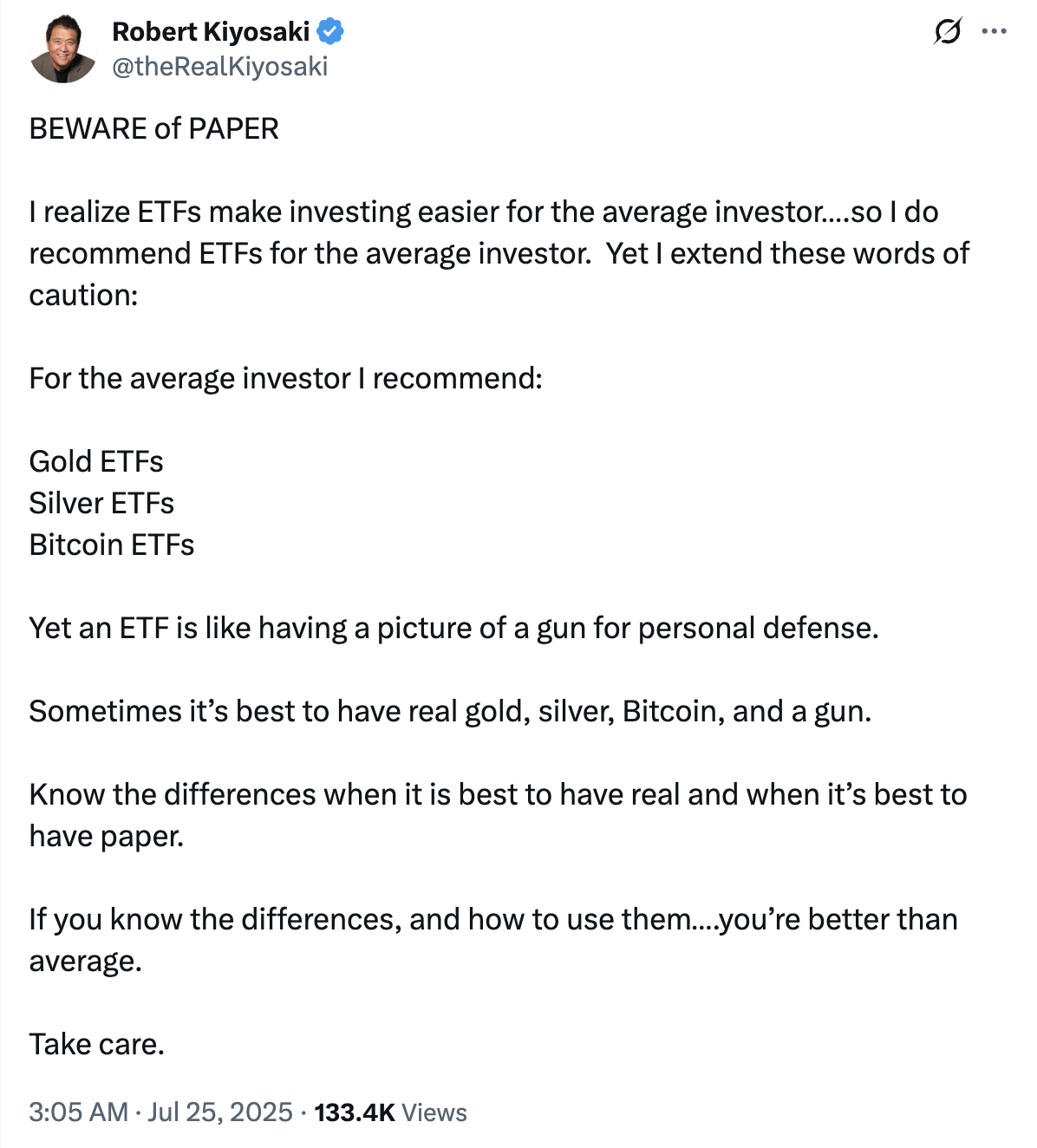
数字黄金的“纸”与“实”;清崎警告ETF风险,专家力证其安全性
数字黄金的“纸”与“实”:清崎警告ETF风险,专家力证其安全性标签: 罗伯特·清崎 比特币ETF 黄金 白银 实物资产 纸质资产 银行挤兑目录:· 序章:富爸爸的“枪支比喻”· 清崎的担忧:警惕“纸上财富”的幻象· 银行挤兑:一个古老的金融梦魇· ETF的防线...
监管的“倾听之旅”;SEC加密任务组巡回美国,与小型初创企业共绘未来蓝图
监管的“倾听之旅”:SEC加密任务组巡回美国,与小型初创企业共绘未来蓝图标签: SEC 加密任务组 监管政策 初创企业 Hester Peirce目录:· 序章:从华盛顿到街头巷尾的转变· “倾听之旅”:走进加密世界的腹地· 聚焦草根:为小微初创企业发声· “...
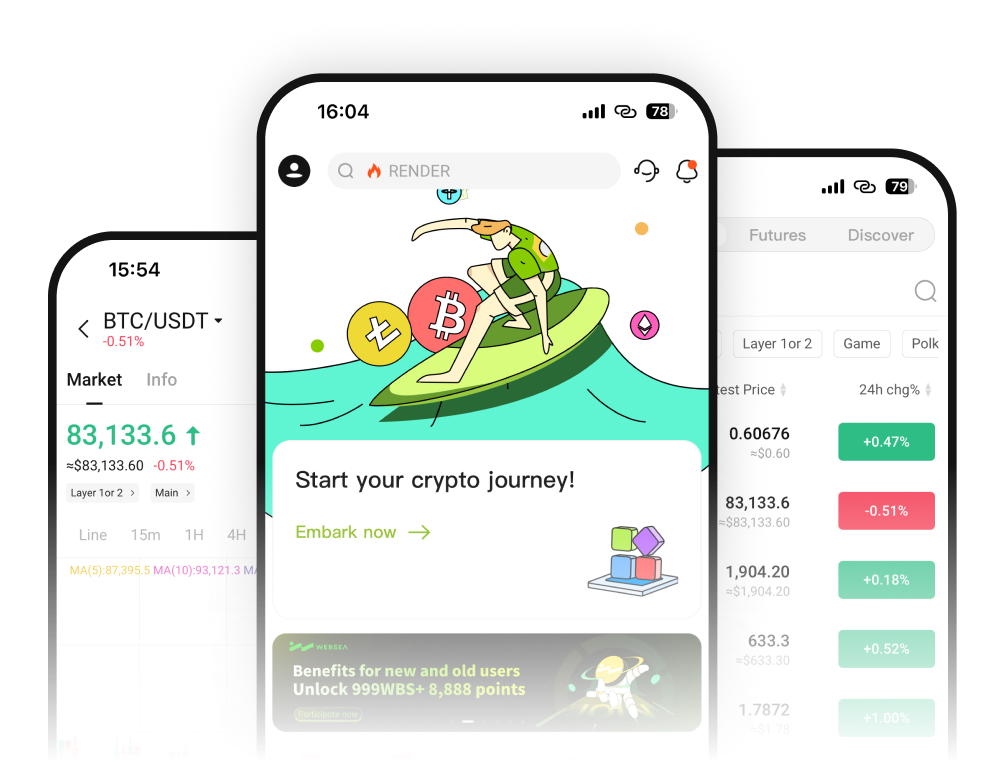
WebSea官网中文网|WebSea官网入口网址|WebSea官网注册
WebSea官网中文网:一站式加密货币交易平台指南更新时间:2025年8月11日🚀 推荐炒币模拟工具:CryptoStart在开始真实交易前,建议新手使用CryptoStart炒币模拟工具进行练习。这个模拟交易平台提供虚拟资金,让您可以在无风险环境中学习加密货币交易策略,熟悉市场波动特点。主要功能:...
比特币ETF最新进展:机构资金流入数据 | 加密货币投资趋势
比特币ETF最新进展:机构资金流入数据更新时间:2025年8月12日推荐内容想要练习比特币投资策略但不想承担真实资金风险?试试模拟炒币软件官网,提供真实市场环境的虚拟交易体验。2025年,比特币ETF(交易所交易基金)已成为机构投资者参与加密货币市场的主要渠道之一。随着监管环境的逐步完善和市场接受度...